Filed Under
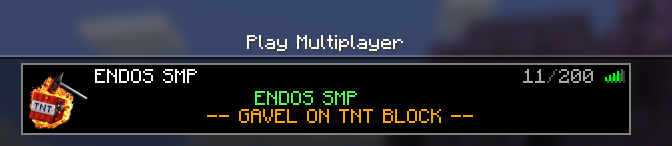
ENDOS SMP is a private, private Minecraft Java Edition server for approved players built for younger players, families, and a more thoughtful multiplayer experience. If you are looking for a safer, better-moderated place to build, explore, solve challenges, and make friends, this is where the signup process begins.
Before you apply
- Minecraft Java Edition is required. ENDOS SMP does not run on Bedrock, console editions, or Xbox-only accounts.
- You need the correct Minecraft Java username. If you are unsure which name to enter, read our username guide first.
- Email confirmation is part of the process. After submitting the form, you must confirm your email before the signup can move forward.
- You should review the rules before applying. Families are encouraged to read the server rules together.
- Parents should understand the safety model. Read How ENDOS Keeps Kids Safe before approving a younger player.
How the signup works
- Complete the signup form with the player and parent or guardian information.
- Open the email confirmation message and complete that step.
- Wait for the access review.
- If approved, watch for the welcome email with instructions for joining the server.
What happens after approval?
The approval email explains how to add ENDOS SMP in Minecraft Java Edition, what beginner commands to try first, where to read the rules, how to join NEXUS events, and where parents can get updates through the parent-facing community channels.
What makes ENDOS SMP different?
- Private approved-player access review instead of open public access.
- Clear rules about respect, privacy, griefing, cheating, scary content, contact sharing, and chat behavior.
- Build protection and moderation tools that help reduce common multiplayer problems.
- A community designed with younger players, families, gifted builders, coders, storytellers, and problem-solvers in mind.
Helpful pages before you join
- Getting Started for a simple overview of what you need.
- Getting Minecraft Java Edition if you still need the Java version.
- Minecraft Username Guide if you need help finding the right username.
- Server Rules for the expectations every player should understand.
- How ENDOS Keeps Kids Safe for parents and guardians.
- FAQ for common questions about signup, approval, and setup.
Ready to apply? Complete the form below with the correct Minecraft Java username and a parent or guardian email address.