
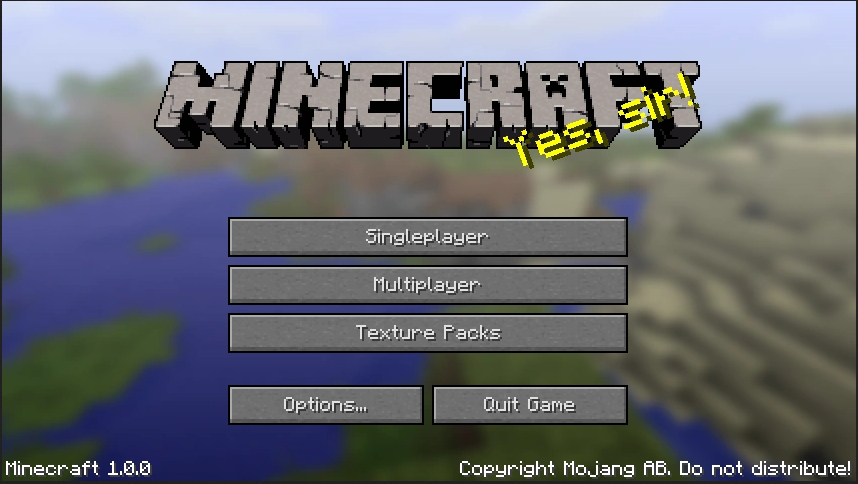
Why ENDOS SMP requires Minecraft Java Edition
ENDOS SMP is a private Minecraft server for Minecraft Java Edition. Before a player can join, they need the Java version of Minecraft installed on a PC, Mac, or Linux computer. Bedrock Edition, console editions, and mobile editions do not connect to Java servers in the same way.
If you are helping a child sign up, this guide walks you through the safest path: confirm the correct edition, install the official launcher, choose the right Java username, and complete the ENDOS SMP signup process.
Java and Bedrock are now sold together on PC
Minecraft: Java Edition and Minecraft: Bedrock Edition for Windows are now sold together as Minecraft: Java & Bedrock Edition for PC. If you buy Minecraft for PC today, one purchase usually includes both editions.
If you already own one edition on the same Microsoft account, you may be able to claim the other edition without buying Minecraft again.
- Open the official Microsoft Store listing for Minecraft: Java & Bedrock Edition for PC.
- Sign in with the Microsoft account connected to the Minecraft purchase.
- If the account already owns one edition, look for a Get button instead of a purchase button.
Step-by-step setup
-
Create or use a Microsoft account
Go to the Microsoft sign-up page if you need a new account. For younger players, a parent or guardian should manage the account and permissions.
-
Get Minecraft: Java & Bedrock Edition for PC
Use the official Microsoft Store or minecraft.net. Avoid unofficial download sites.
-
Install the Minecraft Launcher
Download the official launcher from minecraft.net/download. The launcher lets you open Minecraft Java Edition and manage installations.
-
Choose or confirm the Java profile name
Open the launcher, select Minecraft: Java Edition, and confirm the player's Java profile name. This is the username ENDOS SMP needs for approved accessing.
-
Submit the ENDOS SMP signup form
Use the correct Minecraft Java username when signing up. After the form is submitted, confirm the email address from the confirmation email so the registration can continue.
-
Join after approval
Once the player is approved and approved, use Minecraft Java Edition, go to Multiplayer, add the server endossmp.com, and connect.
Need help with the username?
If you are not sure which name to enter, read our guide on finding the correct Minecraft Java username for ENDOS SMP. This is one of the most common signup mistakes.
Ready to begin? Review the rules with your child, make sure Minecraft Java Edition is installed, and start the ENDOS SMP signup process.