
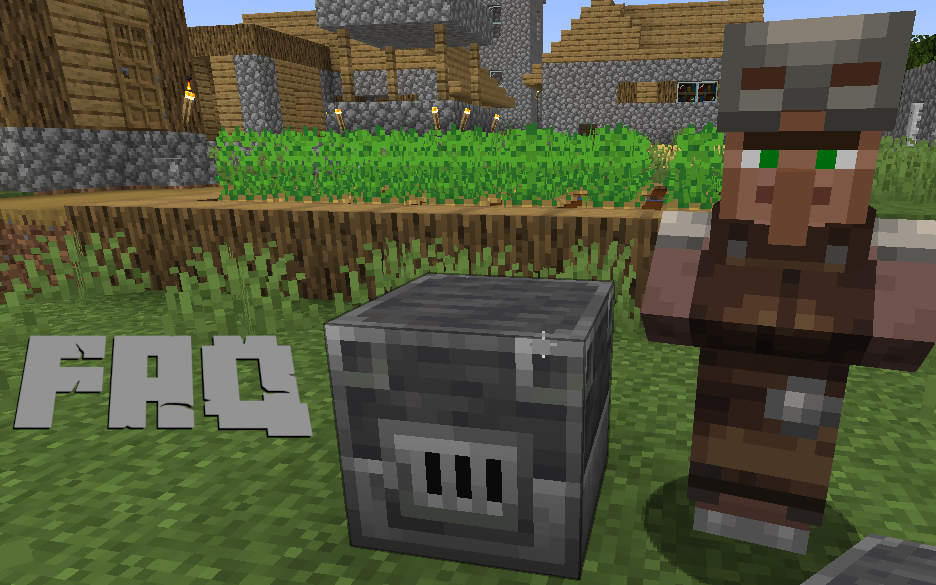
ENDOS SMP FAQ
ENDOS SMP is a private, private Minecraft Java Edition server for approved players for younger players and families. These answers explain how signup works, what players need to join, and how families can help keep play safe and positive.
How do I join ENDOS SMP?
Start by completing the signup form. After submitting the form, you will receive an email confirmation. The signup is not reviewed for approved-player access review until that email confirmation is completed.
Why do I need to confirm my email?
Email confirmation helps us make sure we have a real way to contact the player or parent/guardian. It also confirms that the signup information and rules acknowledgement were submitted intentionally.
What happens after my email is confirmed?
After confirmation, ENDOS SMP reviews the signup information. If the request is approved, the Minecraft username is added to the approved access and a welcome email is sent with connection instructions.
What Minecraft version do I need?
ENDOS SMP is for Minecraft Java Edition. Bedrock Edition, console editions, and Xbox Live usernames do not work on this server. If you are unsure which username to use, read our guide on finding the right Minecraft Java username.
What is the server address?
The server address is endossmp.com, but players must be approved and approved before they can join.
Is ENDOS SMP safe for kids?
ENDOS SMP is designed to be safer and more family-friendly than open public servers. We use approved-player access review, rules, moderation, reports, and claim tools. Still, no online server can guarantee perfect safety, so parental supervision is always encouraged.
Is there a minimum age?
Players must be old enough to read chat, understand rules, and play respectfully. We currently require players to be at least 6 years old. Players under 13 in the U.S. or under 16 in the EU require parental permission.
Can parents play too?
Yes. Parents and guardians are welcome to play with their children as long as they follow the same community rules and use a valid Minecraft Java Edition account.
What are the most important rules?
Be respectful, keep chat appropriate, do not share personal information, do not grief or steal, do not cheat, and follow staff instructions. You can read the full list on the server rules page.
What if I am new to Minecraft?
New players are welcome. Start with our tips for new players, then ask staff or friendly players for help in-game.
What if my signup is not approved?
If a signup is not approved, we send a general notice by email. Families can contact us if they believe there was a mistake or if they want help understanding the next step.
Minecraft Java Edition FAQ
What do I need to play?
- A computer that can run Minecraft Java Edition.
- A Microsoft account.
- A purchased Minecraft Java Edition license.
- The Minecraft Launcher.
- An approved ENDOS SMP approved access signup.
Where do I download Minecraft?
Use the official Minecraft website and launcher. Our Minecraft Java Edition setup guide walks through the basic steps.
Can Microsoft Family settings help?
Yes. Microsoft Family settings can help parents manage account activity, screen time, and permissions. They are not a replacement for active supervision, but they can be a useful part of a family safety plan.