
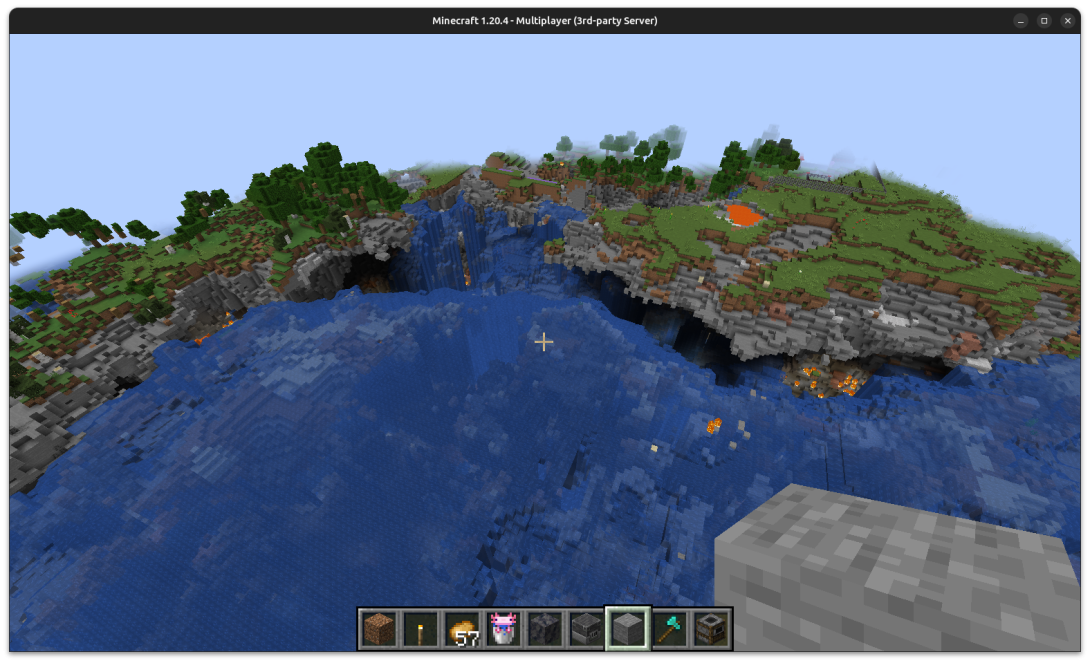
Welcome to ENDOS SMP! This guide helps new players get comfortable with the most useful commands, server features, and safety expectations before they begin exploring.
Start at spawn
Spawn is the main starting area. It is protected, which means players cannot break blocks there and PvP is disabled. If you get lost or need to return, type /spawn.
Follow the New Player Trail
New players should move through the basics in this order:
- Find spawn: Learn where the main paths and signs are.
- Get your starter kit: Use
/kit starter. - Set a home: Use
/sethomeonce you find a good place to build. - Claim your base: Use
/claimso your build and chests are protected. - Explore shared areas: Visit shops, parkour, and community spaces respectfully.
- Try NEXUS: Join the NEXUS community activities when you are ready for group activities.
- Ask for help: Use
/help, read signs, and ask staff or a parent if you feel confused.
Important beginner commands
- Return to spawn: Use
/spawn. - Set your home: Use
/sethomeor sleep in a bed. - Go home: Use
/home. - Teleport request: Use
/tpa <player>to ask another player if you can teleport to them. - Starter kit: Use
/kit starterfor beginner tools. - Return after teleporting: Use
/back. - Random exploration: Use
/tprandomto find a new place to explore.
Protect your builds with claims
Claims help protect builds and belongings. Use the claim system before investing a lot of time into a base.
- Create a claim: Place a chest or use
/claimwith a golden shovel. - See claim borders: Right-click with a stick or use
/claimslist. - Remove a claim: Use
/unclaimor/abandonclaim. - If trapped: Use
/trapped.
Level up through play
Players can unlock roles by completing simple in-game goals:
- Miner: Break 100 stones.
- Farmer: Plant 100 crops.
- Builder: Place 100 blocks.
Know the rules and ask for help
- Rules: Type
/rules. - Message of the day: Type
/motd. - Server info: Type
/info. - Command help: Type
/help.
ENDOS SMP is designed to be a positive Minecraft Java server for younger players and families. Players should follow the rules, protect personal information, use claims, be kind, and ask for help when needed.
Next step: Review How ENDOS Keeps Kids Safe, read the server rules, and keep this guide nearby during your first session.